
Articles...
Now you can see all articles

Social Media: A Double-Edged Sword in Our Lives
Social media has become an inseparable part of daily life for billions of people.
It has created unprecedented opportunities for communication, learning, and business.
At the same time, it raises serious concerns related to mental health, addiction, and social relationships.
This article explores both sides in a balanced way.
What is social media?
These are digital platforms where users create, share, and interact with content.
Profiles, followers, comments, likes, and algorithm-driven feeds are their core features.

Youth and addiction problem
The younger generation is the most affected group.
Spending several hours a day leads to sleep issues, lack of focus, and depression.
Constant online comparison reduces real-life satisfaction. (Motivation decreases)
The positive side
At the same time, social media has created new careers, remote jobs, and creative opportunities.
For creators, marketers, and freelancers, it is a field of opportunity.
Conclusion
Social media is neither good nor bad - it depends on how it is used.
With awareness and control, it becomes a powerful tool.
The balance formula: benefit + control + time limits.

Is Vibe Coding Bad?
Recently, the concept of vibe coding has become very popular among developers.
In this approach, you don't worry about detailed plans or minor technical details - you tell the AI what to do and it writes the code for you.
In this article, I'll explain what vibe coding is, how beneficial or harmful it can be, and how tools like
Antigravity, Cursor, and Claude play a role in this process based on real experience.
Vibe coding — is an intuitive (from Latin intuitio — I look carefully), fast and easy (vibe) based code writing method using AI.
Often there's no detailed architecture document, but the general idea and result are what matters.
In practice it looks like this: you say "create a React + Node.js project, add auth, write tests" -
and AI automatically creates components, APIs and even tests.
Google Antigravity - is an agent-first AI IDE developed by Google that allows using multiple AI agents in parallel.
This tool is very convenient for large and complex projects, as each agent performs a separate task: creating components, writing tests, preparing deploy scripts and even Docker configuration.
Antigravity is currently available as public preview and Pro version is $19/month.
Official site: antigravity.google
Cursor - is an AI IDE that works with a VS Code-like interface. It supports tab completion and agent requests, so it's convenient for frontend and fullstack developers.
Cursor Pro version is $20/month, offering model credits and unlimited tab functions.
Official site: cursor.com
Claude (Anthropic) - is an AI assistant that mainly gives deep advice on backend and system design.
It responds quickly and accurately to prompts, strong at explaining architecture and patterns. Claude Pro mode is $20/month, allowing 100+ hours of Claude 3.5 Sonnet model usage.
Official site: anthropic.com/claude
From my experience: I set up a Next.js 16 project in 10 minutes using Antigravity. But muxsinjon.uz was written completely manually and finished in 1 month, applying all my knowledge.
There are small UI and performance bugs, but the important thing is it saves time and delivered an MVP version. Below is the state when running the generated code:
Conclusion: vibe coding is not bad.
It frees you from small tasks that slow you down, but it's not a fully automatic solution.
The right approach is 80% AI + 20% human oversight.
Then vibe coding truly becomes a powerful tool.
AI won't replace developers, developers who use AI will replace developers who don't!!!
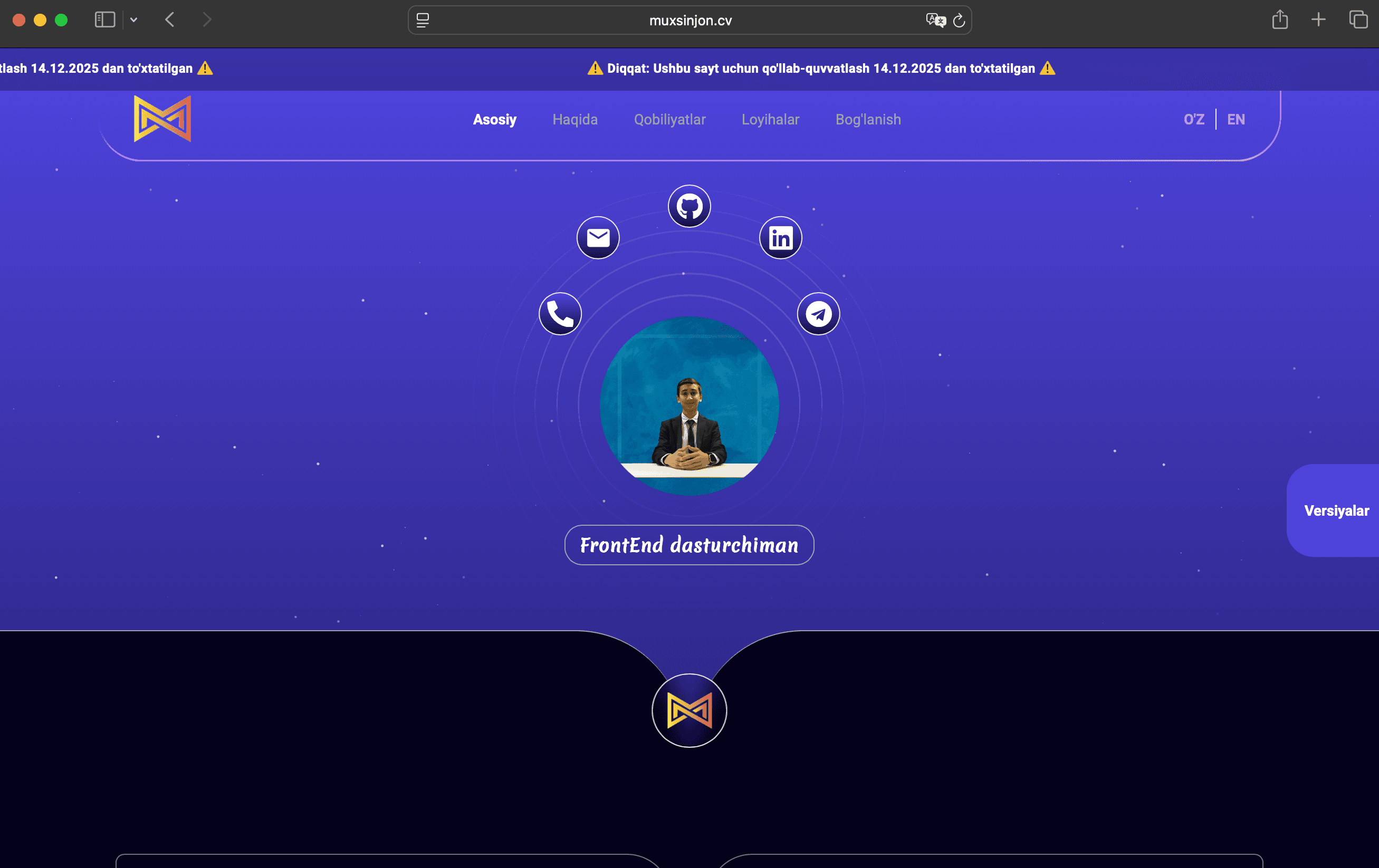
Goodbye to the Old: A Step to the New Website
We officially said goodbye to our old website that many of you are familiar with —
v2.muxsinjon.uz.
It served for a long time, experience was gained, shortcomings were noted,
and most importantly, it became the foundation for the next step.
This version is now no longer technically supported.
If you have questions or suggestions,
you can contact us through the CONTACT page.
At the same time, a new and modern platform was launched —
v3.muxsinjon.uz.
It's now actively running through muxsinjon.uz and muxsinjon.cv domains.
The new version has been significantly improved in terms of design, speed, and functionality.
The new platform has the following main features:
- Dashboard: Track daily activity through Wakatime, GitHub, and Chess.com.
- About me: Detailed profile, experience, and resume.
- Blog: Articles, quotes, and notes. Currently, I'm posting content, but in the future, this feature will be open to everyone.
- Projects: Latest and ongoing projects.
- Version control: Managing site versions.
- Dark / Light mode
- Language switching
If you also want to post on the blog or collaborate,
please contact us through the /contact page.
The new version is not just about design, but the next step focused on convenience, speed, and interactivity.
Why Did I Buy Google Antigravity Pro?
The experience of writing code with AI has been developing very rapidly lately. I tried various AI IDEs. And finally, I decided to buy Google Antigravity Pro. Below I'll compare Antigravity, Cursor, and Windsurf based on official sources.
Google Antigravity - is an agent-first AI IDE developed by Google, which can automate code writing, testing, script creation, terminal and even browser through multiple AI agents simultaneously.
The Gemini3 Pro model plays the main role in this IDE and the platform was released on November 18, 2025.
The Antigravity project is described on the official page as an IDE that divides code into complete tasks and executes them with the "agent-first" paradigm (Greek "pattern, template").
Official site: antigravity.google
Today Antigravity is available as public preview and provided for free use (during preview period), with "generous" rate limits according to official information. These limits are sufficient for effectively using Gemini3 Pro's extensive capabilities in daily workflow.
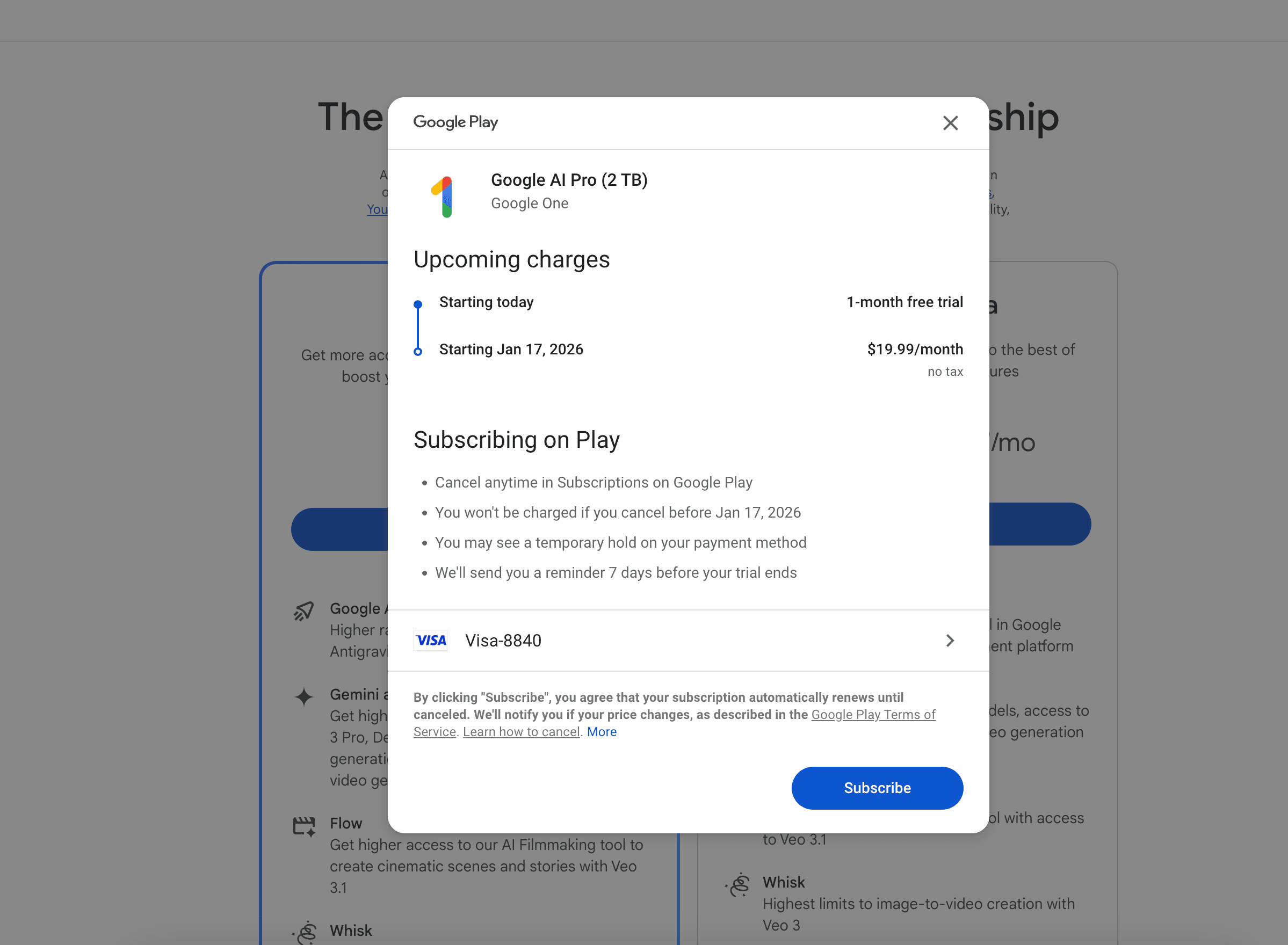
According to Google blog, usage limits in Antigravity are also updated based on subscription: quota is refreshed every 5 hours for Google AI Pro and Ultra subscribers, while free users have weekly quota. Additionally, if you buy the pro version, you get a 1-month bonus, meaning you use the pro version free for 1 month and start paying from the next month.
Brief summary:
- Google Antigravity: currently free in preview mode, performs complete tasks with agents and supports multiple models - very convenient for complex code and agent architecture.
- Cursor: Pro mode is $20/month - this mode has high AI model performance limits, but convenient for tab completion and agent requests.
- Windsurf: has Pro mode with 500 prompt credits per month; many model requests can quickly exhaust credits.
That's why I bought Google Antigravity Pro or higher Google AI subscription, and antigravity performs code writing in full agent mode, good for large projects, long prompts, and tasks requiring complex architecture.
Although Cursor and Windsurf are also very powerful, Antigravity currently offers the most advanced "agent-first" approach, and according to official information, the usage limit during preview is very generous :)